Chrome Web Store reviewer guide
ChatArchive
Export ChatGPT conversations to local Markdown, JSON, CSV, and SourcePack files.
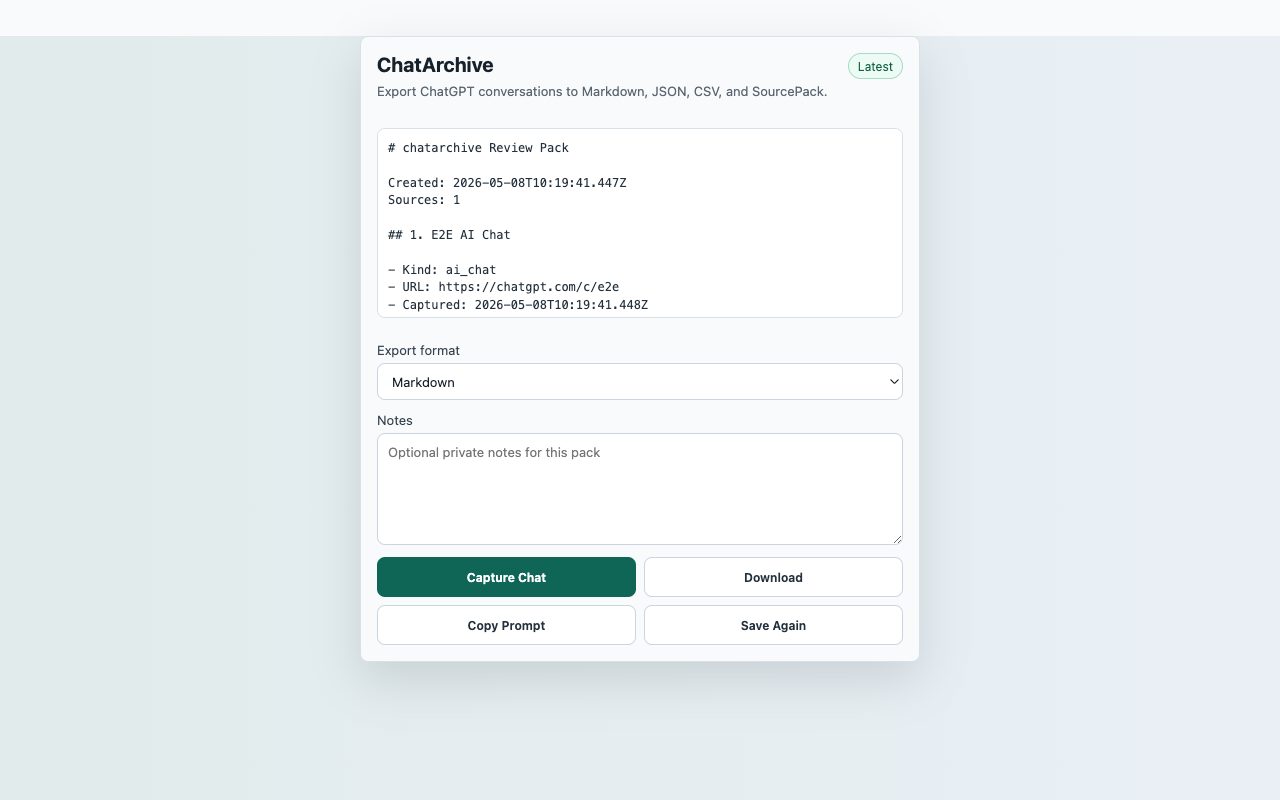
Reproducible Test Steps
- Open a ChatGPT conversation at https://chatgpt.com/.
- Click the ChatArchive toolbar action and choose Capture Chat.
- Verify ordered visible messages appear in the preview.
- Switch export format if desired.
- Download Markdown or JSON.
Expected Result
- The popup shows a saved status after capture.
- The export keeps visible message order and code block formatting.
- No persistent host permission is requested.
CredentialsNo SourcePack account, API key, backend, or paid service is required. ChatGPT page access is controlled by OpenAI and may require the reviewer profile to be signed in.
User actionCapture starts only after the reviewer clicks Capture Chat.
Data locationRecent captures in chrome.storage.local
Network postureNo captured page, chat, repo, transcript, table, or competitor content is uploaded to a SourcePack server.